Studio mode · clean backgrounds
Clothing background remover: a clean photo in 30 seconds.
Upload a photo of your item on the bed, the floor or a hanger. Vintefy puts it on a clean white, neutral or flat-lay background, ready for your listing.
- About 30 seconds per photo
- From €0.17 per photo
- Used by 2,400+ sellers
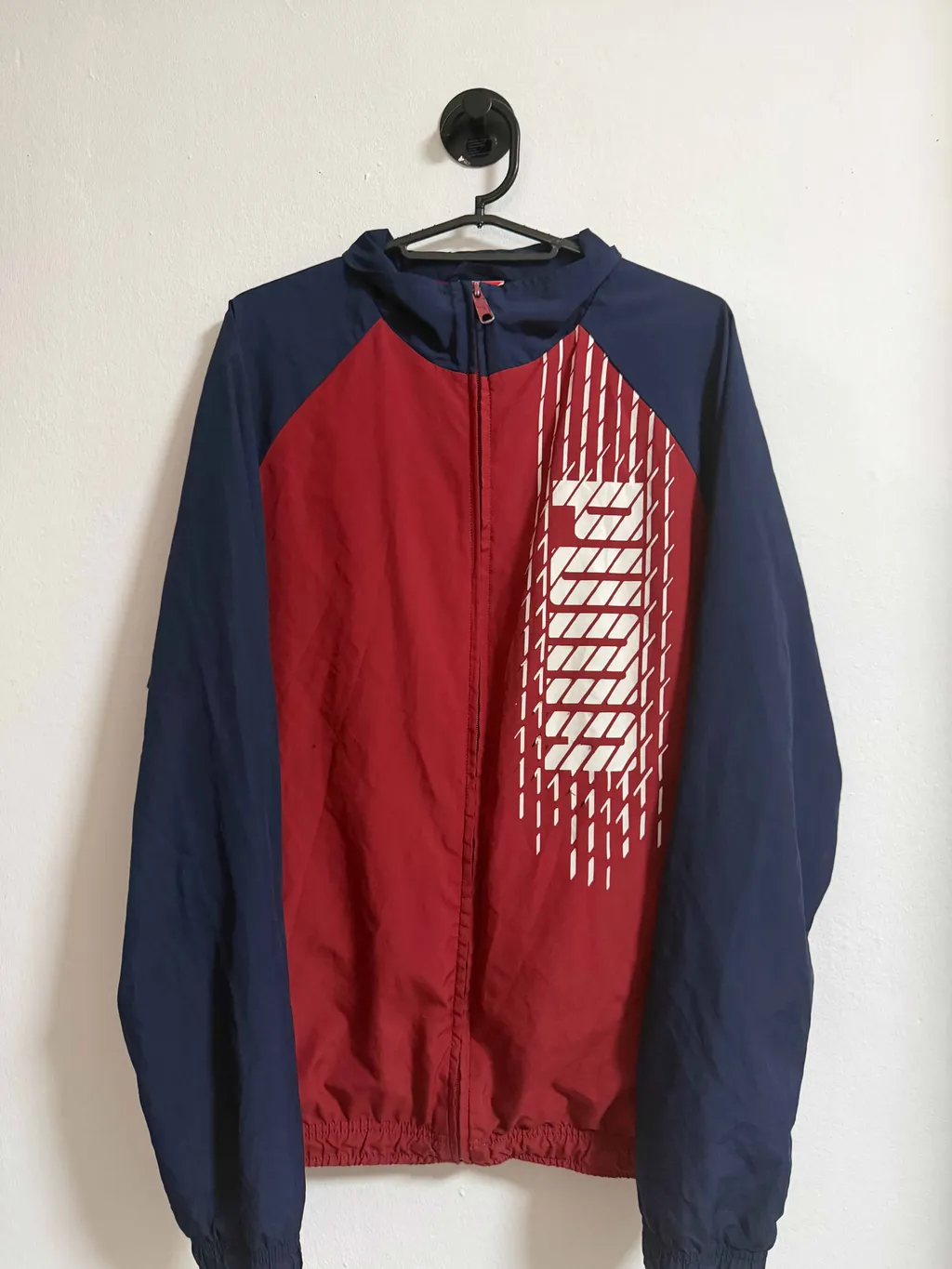
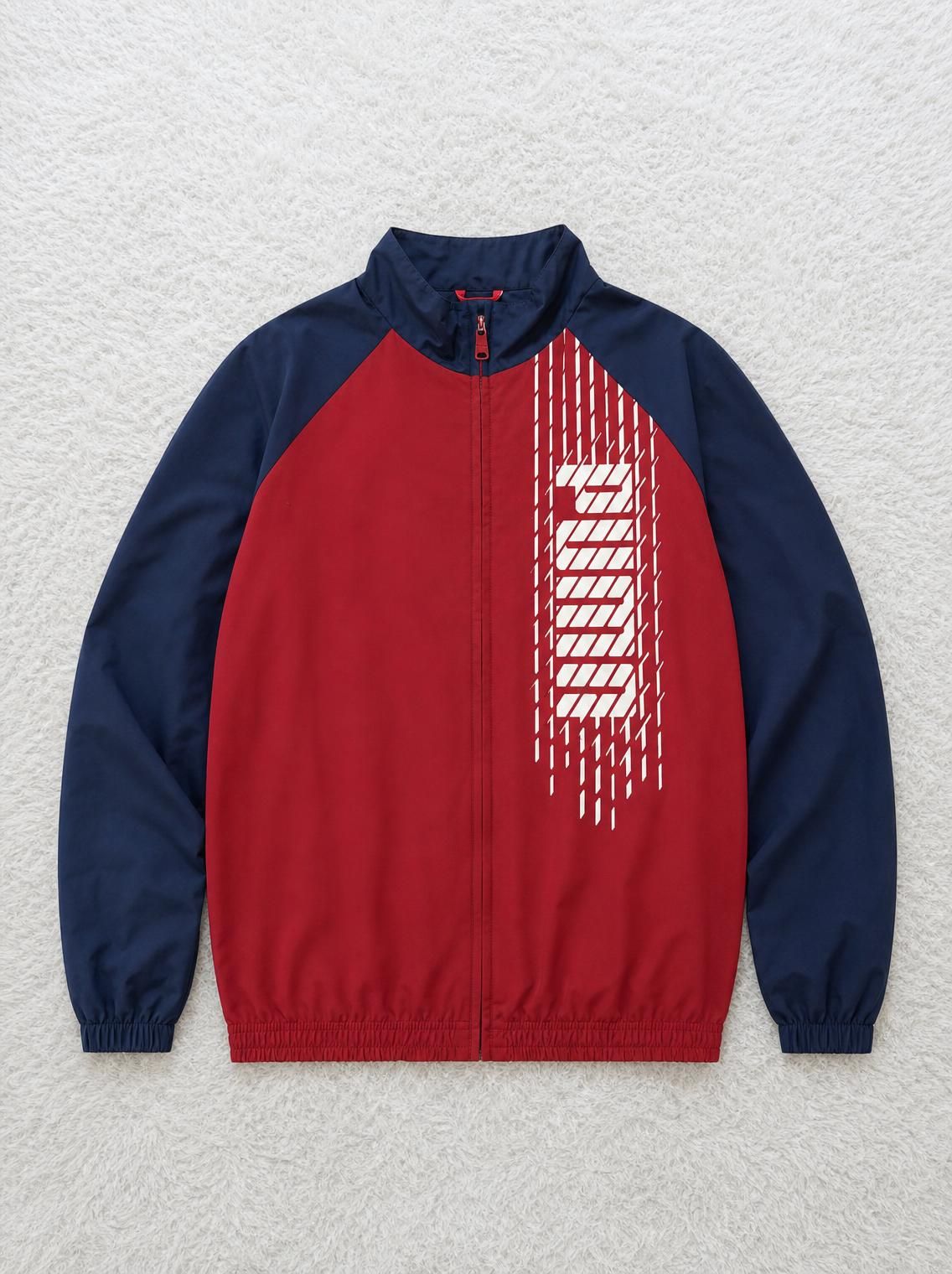
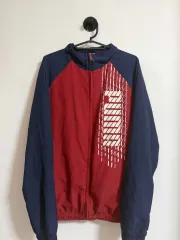
Track jacket · Studio mode · real Vintefy output
The short answer
To remove the background from a clothes photo, upload it to Vintefy and choose Studio mode. In about 30 seconds the item sits on a clean neutral background, a plain white one if you ask for it, or laid flat on a clean surface. Vintefy is a paid tool on monthly plans, from €0.17 per photo.
Real Studio mode results
Same item, without the clutter
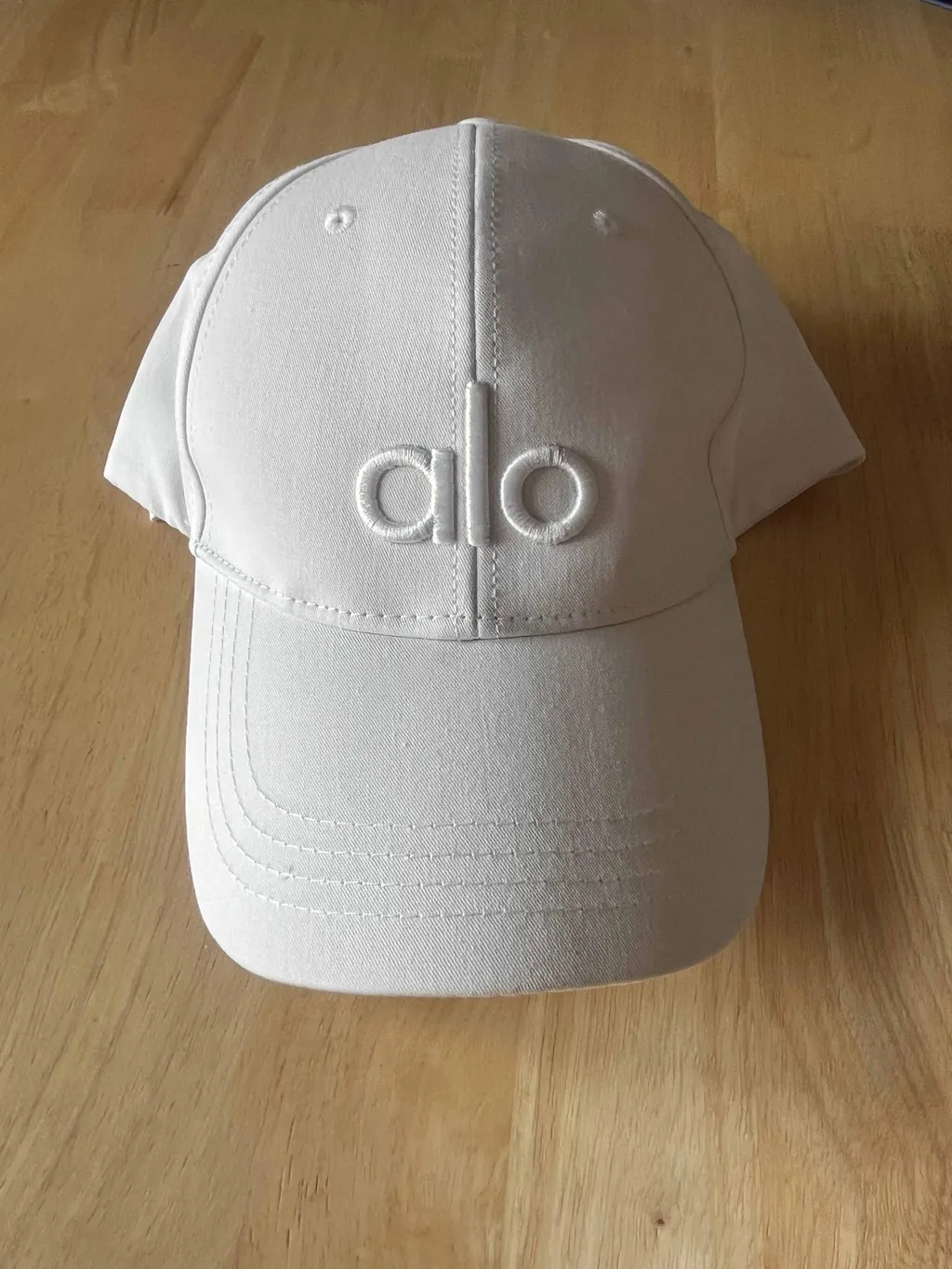
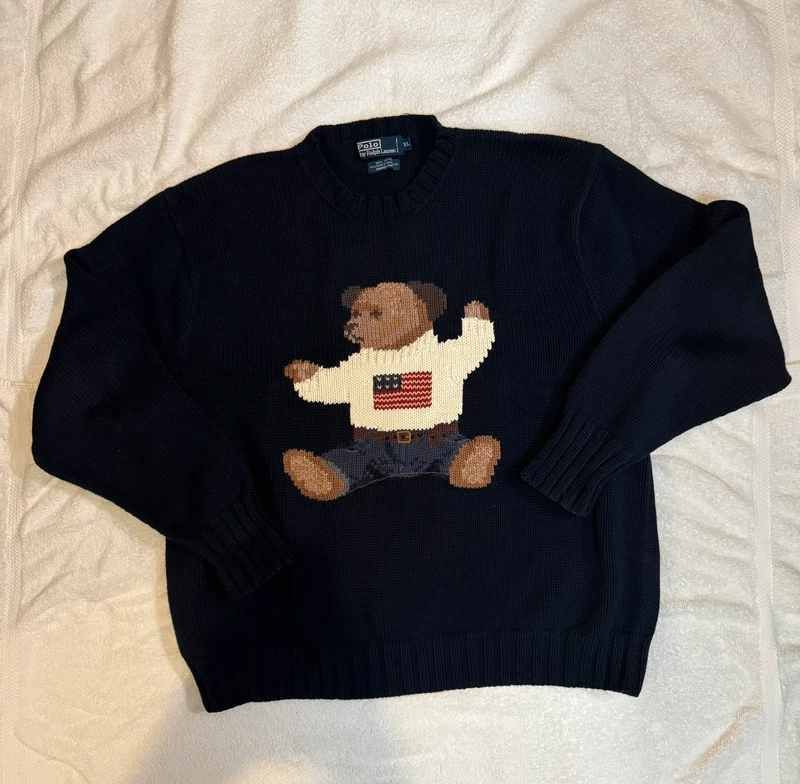
Real Vintefy output from sellers’ own photos. The small inset is the photo that went in. All three were laid flat on a preset surface.
 Before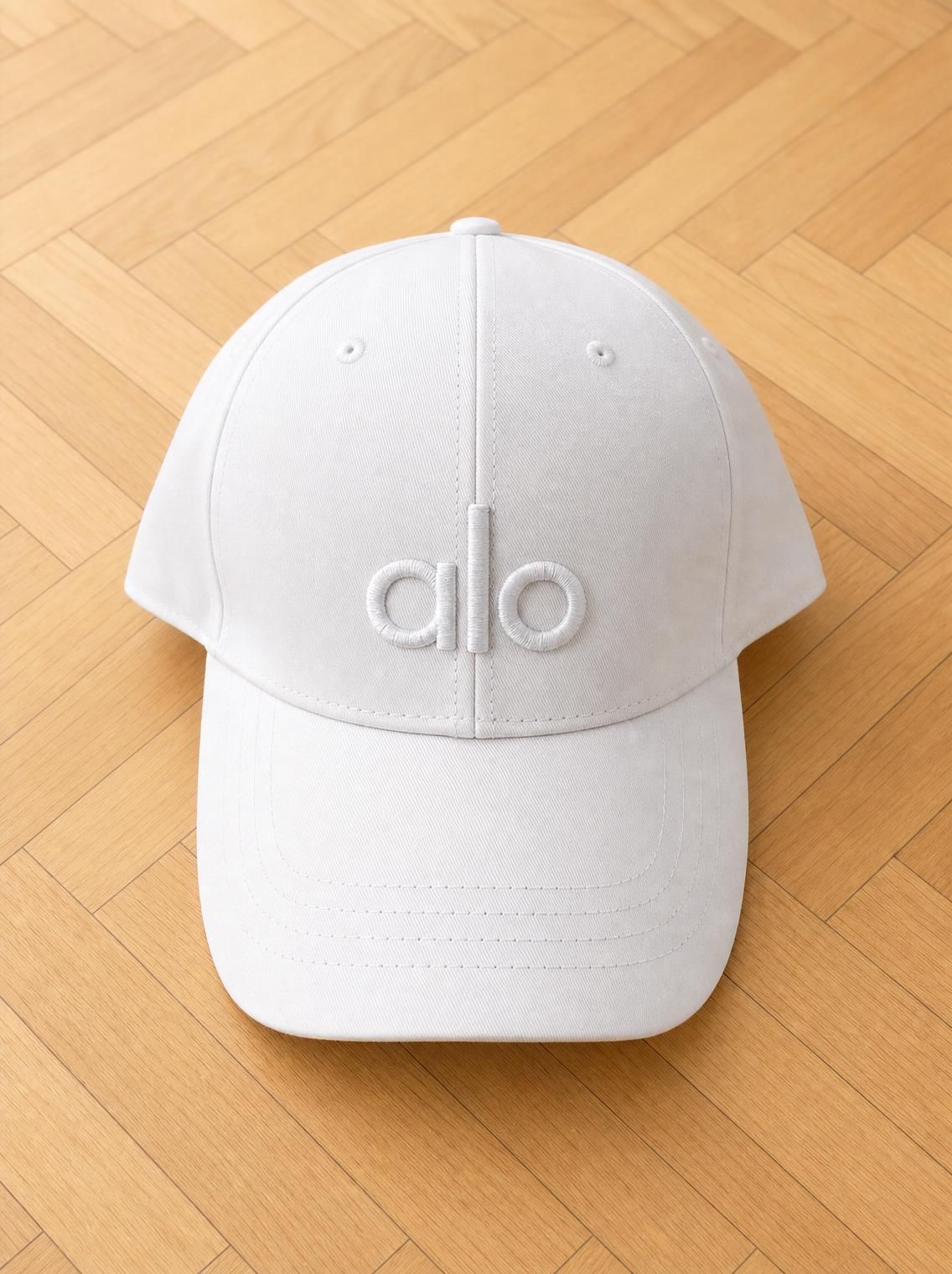
 Before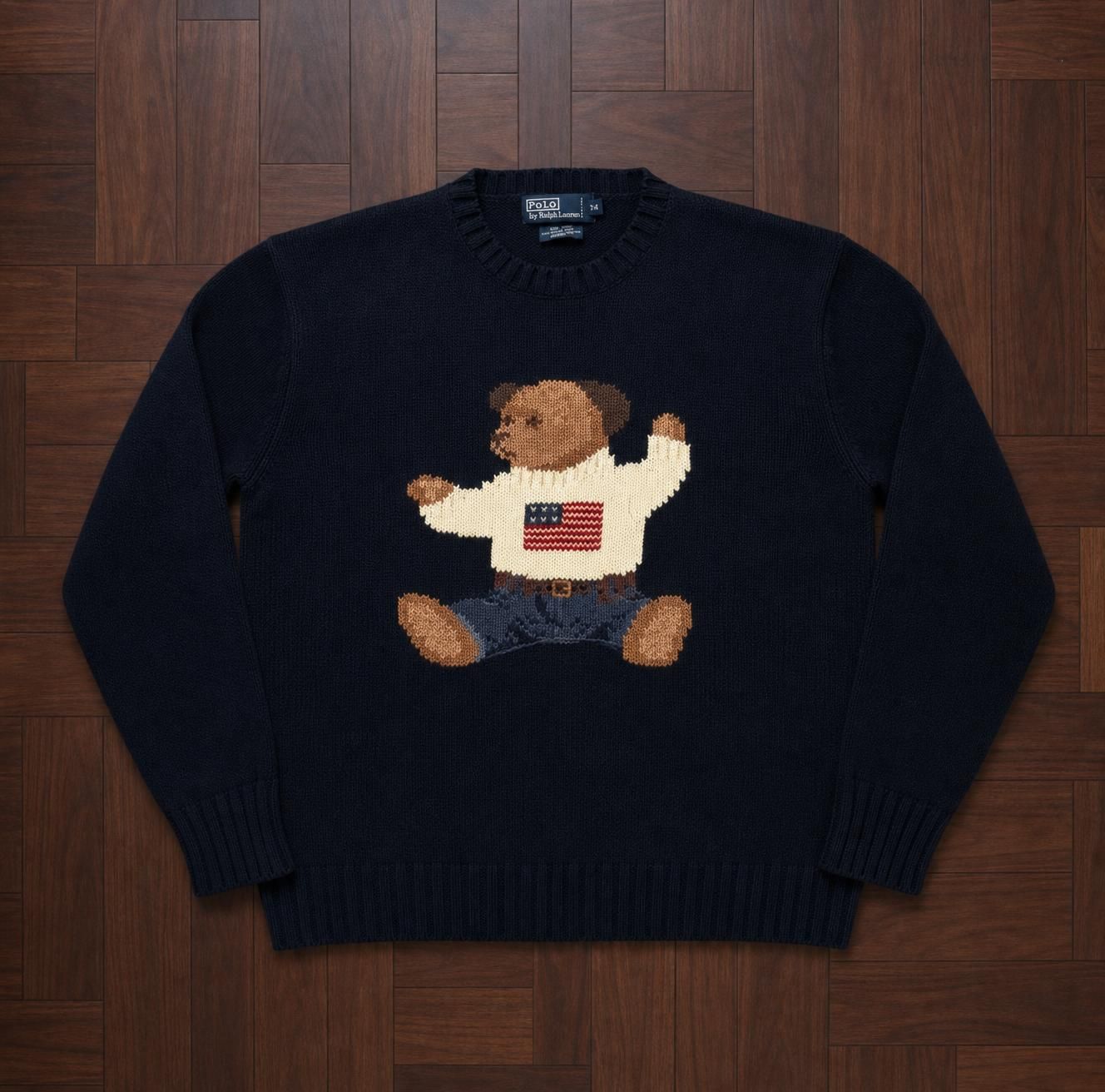
 Before
How it works
How to remove the background from a clothes photo
Three steps. No selection tools, no masking, no editing skills.
Step 1
Upload your clothes photo
The item on the bed, the floor, a hanger or a chair. Keep the whole item in frame and use daylight if you can.
Step 2
Choose the background
Leave it on the default clean, neutral background, type what you want (“plain white background”, “grey studio background”), or pick a surface to lay the item flat on.
Step 3
Download the clean photo
About 30 seconds later the item sits on its new background, ready to be the first photo of your listing.
Your options
White background, neutral studio or flat lay
Pick the look once and keep it, so every listing in your shop matches.
White or neutral studio
The default is a clean, neutral background. Ask for “plain white background” for a classic white product shot, or name a colour such as light grey.
Flat lay on a clean surface
Lay the item flat on a preset surface: white carpet, light or dark wood, grey stone, marble, concrete, a white bedsheet and more. All three examples on this page use this option.
Your own surface
Upload a photo of your own floor or backdrop once and reuse it, so every listing in your shop shares the same look.
Studio mode or Clone mode?
A clean background, or an AI model?
Both come from the same upload and the same plan. Pick by item.
Studio mode · this page
Items that hold their shape
Caps, bags, shoes, jackets, knitwear, sweatshirts. The item already reads well on its own; the clutter is the only problem.
Clone mode
Items that look flat on a hanger
Dresses, sets, trousers, skirts. Buyers want to see fit and drape, so show the item worn by an AI model.
AI model for clothesWant both modes side by side? See the AI clothing enhancer, or the Vinted photo enhancer for Vinted specifically.
Marketplace photo rules
What Vinted and eBay ask of your photos
A clean background is fine on both. What they care about is that the photo shows the real item.
Vinted
- Show the entire item in the first picture; no collages
- Show the item’s defects in the pictures
- No stock or watermarked images or pictures found online; no flash or filters
- Up to 20 photos per listing
eBay
- At least 500 pixels on the longest side
- No added borders, text, artwork or marketing material
- No watermarks of any type
- No stock photos for used, damaged or defective items; photos must accurately represent the item
From the Vinted Help Centre (“What photos you should upload”) and eBay UK’s picture policy, checked October 2026. Vinted’s guidance does not mention AI-generated images.
Honest limits
What to know before you use it
Four things we’d rather tell you up front.
01
It recreates the photo, it doesn’t cut it out
Studio mode is generative AI: it rebuilds your item as a product photo on the new background, rather than cutting pixels out. You get a finished photo, not a transparent PNG cut-out for design work.
02
Check colours and details
Compare the result with the real item before you list. Colour, print, logo and texture must match. If anything is off, regenerate from a better-lit photo or don’t use it.
03
Keep real photos of condition
Use the clean photo first, then add unedited photos of the label, any wear and the fabric up close. Vinted asks sellers to show defects in the pictures, and eBay requires photos to accurately represent the item.
04
It is a paid tool
Vintefy is not a free background remover. It runs on monthly plans, from €0.17 per photo, and each photo uses one credit. Credits renew monthly and you can cancel anytime.
Pricing
Clean product photos from €0.17 per photo
Monthly plans. Every photo is one credit, in either mode. Credits renew monthly and you can cancel anytime.
Starter
For your first listings
€19/month
60 photos a month · €0.32 per photo
- Clone mode (on a model) and Studio mode
- All backgrounds and floors
- No watermark
- Description generator: 50 a day
Pro
For full-time resellers
€99/month
600 photos a month · €0.17 per photo
- Clone mode (on a model) and Studio mode
- All backgrounds and floors
- No watermark
- Description generator: 50 a day
Credits renew monthly. Cancel anytime. Secure payment via Polar.
FAQ
Clothing background removal: questions
How do I remove the background from a clothes photo?
Upload the photo to Vintefy and choose Studio mode. Keep the default clean, neutral background, type the background you want (for example “plain white background”), or lay the item flat on a preset surface. About 30 seconds later you can download the clean photo.
Can I get a white background clothing photo?
Yes. Type “plain white background” in the instructions in Studio mode. The default is a clean, neutral background, and you can also ask for another colour, such as light grey.
Is Vintefy a free background remover?
No. Vintefy is a paid AI tool on monthly plans: Starter €19 for 60 photos, Seller €49 for 260 photos, Pro €99 for 600 photos. That is €0.17 to €0.32 per photo, in either mode. Credits renew monthly and you can cancel anytime.
Do I get a transparent PNG?
No. Studio mode produces a finished listing photo with the new background in place. It is made for marketplace listings, not for cut-outs you place into your own designs.
Will it change my item?
It is designed to keep the exact same item: colour, pattern, logo and details. Because it is generative AI, always compare the result with the real item and add unedited close-ups of the label and any flaws to your listing.
Should I use a clean background or an AI model?
Use Studio mode (clean background) for items that hold their shape on their own, such as caps, bags, shoes, jackets and knitwear. Use Clone mode (AI model) for items that look flat on a hanger, such as dresses, sets and trousers, where buyers want to see fit and drape.
Are clean-background photos allowed on Vinted and eBay?
A clean background is a normal product photo, as long as the photo accurately shows the item. Vinted asks for the whole item in the first picture and for defects to be shown, and says not to use flash or filters. eBay bans added borders, text and watermarks and requires photos to represent the item accurately. Keep colours true and add real condition photos.
Vintefy is independent and not affiliated with Vinted or eBay.
Ready when you are
Clean up your next listing photo
One phone photo in, a clean product photo out, in about 30 seconds.