Is this Vinted description generator free?
+
Yes. You get 3 free generations per day, no credit card required. Sign in with Google to start. If you sell regularly and want more, Vintefy Pro includes 50 generations per day plus AI photo enhancement.
How does the Vinted description generator work?
+
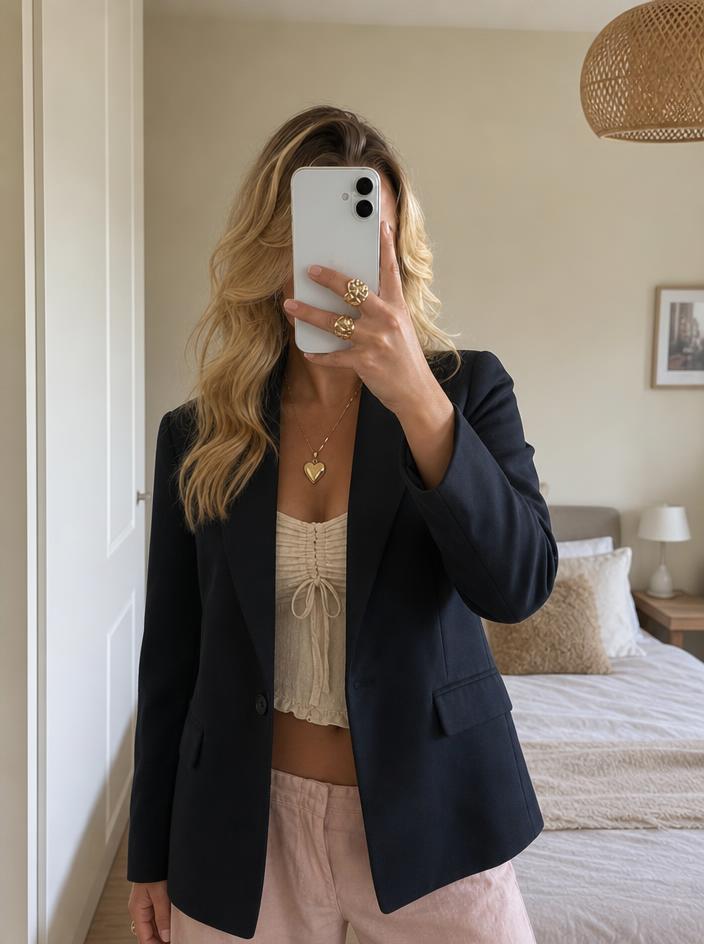
Upload a photo of your clothing item. Our AI analyzes the brand, item type, colour, material, condition, and key features from the image, then writes a Vinted-optimized title, a structured description, suggested hashtags, and a price range — all ready to copy and paste into your Vinted listing.
Does it work for all clothing types?
+
Yes. The AI recognizes all types of clothing and accessories: tops, dresses, shoes, bags, jewellery, jeans, jackets, knitwear, and more. The generated description adapts to the specific item it sees in your photo.
Can I generate a dress description?
+
Yes. Upload a photo of any dress — maxi, midi, mini, slip, bodycon, wedding guest — and the AI writes a dress-specific description with brand, size, material, condition, measurements placeholder, and styling suggestions.
Can I generate a t-shirt description?
+
Yes. Upload a photo of any t-shirt — oversized, fitted, graphic, vintage, band tee — and the AI writes a t-shirt-specific description tuned for Vinted search.
Can I edit the generated description?
+
Of course. The generated text is a starting point. Copy it and adjust anything you like before pasting it into your Vinted listing. Most sellers use it as-is or make minor tweaks to add measurements.
Is this a Vinted title generator too?
+
Yes. The tool generates both the title and the description from your photo. The title includes brand, item type, size, colour, and condition — the keywords Vinted buyers search for — so your listing ranks higher in Vinted search results.
Can I use this as a Vinted caption generator?
+
Yes. The description works as a Vinted caption or listing description. It covers brand, size, material, condition, measurements, and styling suggestions — everything buyers look for in a listing.
How do I write a Vinted description?
+
Start with the key details: brand, item type, size, colour, and condition. Add measurements (pit-to-pit, length, waist). Be honest about any flaws. Include styling suggestions to help buyers imagine wearing it. Or skip the manual work and use this free AI generator — upload a photo and get a complete description in seconds.
What is a Vinted description template?
+
A Vinted description template is a fill-in-the-blank format you can copy and reuse for each listing. We provide free templates for dresses, t-shirts, shoes, jackets, and bags further down this page. The AI generator goes one step further — it fills in the template for you based on your photo.
What languages does it support?
+
Currently the descriptions are generated in English. We are working on adding French, German, Dutch, Spanish, Italian, and other popular Vinted market languages soon.
Is this tool affiliated with Vinted?
+
No. Vintefy is an independent tool built for people who sell on Vinted and other marketplaces. It is not affiliated with, sponsored by, or endorsed by Vinted. The name is used here only to describe what the tool is for.